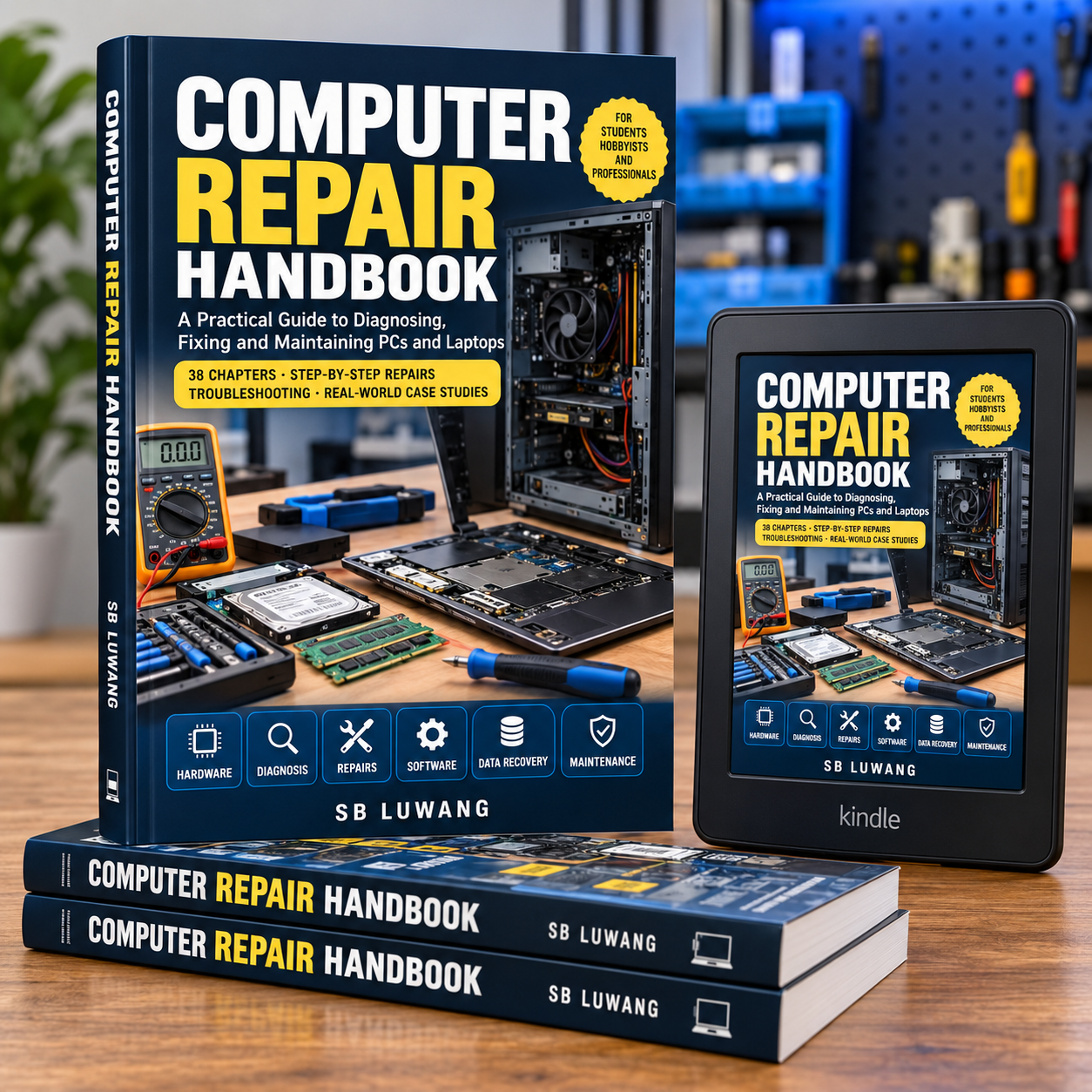
A Step-by-Step Practical Guide to Diagnosing, Fixing and Maintaining PCs and Laptops
Author: SB Luwang
Want to learn computer repairing from scratch? Looking to become a skilled computer technician or start your own computer repair business?
Computer Repair Handbook provides the knowledge and practical skills needed to understand, diagnose, troubleshoot, repair, and maintain modern desktop computers and laptops.
Designed for both beginners and experienced learners, this comprehensive guide combines essential technical concepts with practical repair techniques, troubleshooting charts, realistic case studies, and hands-on workshop activities.
What You Will Learn
- Computer Hardware Fundamentals: Understand motherboards, processors, RAM, SSDs, hard drives, power supplies, and other essential components.
- Desktop Computer Repair: Learn systematic disassembly, cleaning, component replacement, upgrades, and fault diagnosis.
- Laptop Repair: Troubleshoot batteries, charging problems, screens, keyboards, touchpads, cooling systems, and internal components.
- Windows Troubleshooting: Diagnose startup failures, system crashes, slow performance, driver issues, and operating-system problems.
- Data Backup and Recovery: Learn drive-health checks, responsible backup techniques, and methods of protecting important files.
- Networking and Connectivity: Troubleshoot Wi-Fi, Ethernet, internet access, printers, Bluetooth, USB devices, and audio problems.
- Computer Maintenance: Perform preventive maintenance, improve system reliability, and plan cost-effective upgrades.
- Professional Repair Skills: Prepare customer job cards, diagnose faults systematically, create estimates, test completed repairs, and manage a small repair service.
Key Features
✅ 38 comprehensive chapters organised into 8 practical parts
✅ Step-by-step desktop and laptop repair procedures
✅ 20 real-world computer troubleshooting case studies
✅ Diagnostic flowcharts and illustrated technical explanations
✅ Practical workshop exercises and repair checklists
✅ Review questions and assessment activities
✅ Hardware, software, networking, and security troubleshooting
✅ Repair-shop management and customer service guidance
✅ Suitable for self-study, vocational training, and technician reference
Who Should Read This Book?
This handbook is especially useful for:
- Beginners who want to learn computer repairing
- Students pursuing computer hardware and networking courses
- ITI, vocational, and technical training students
- Computer repair technicians and service-centre employees
- IT support and computer maintenance professionals
- Entrepreneurs planning to start a computer repair business
- Computer enthusiasts interested in maintaining and upgrading their own systems
Why Choose This Handbook?
Unlike purely theoretical computer textbooks, Computer Repair Handbook focuses on practical problem-solving.
Readers learn how to identify symptoms, investigate possible causes, select appropriate testing procedures, replace compatible components, verify repairs, and document their work professionally.
Whether you are diagnosing a desktop that will not turn on, repairing a laptop charging problem, resolving Windows startup errors, or troubleshooting a network connection, this book provides a structured approach to solving common technical problems.
Build practical computer repair skills—one diagnosis, one procedure, and one successful repair at a time.



Reviews
There are no reviews yet.